The problem
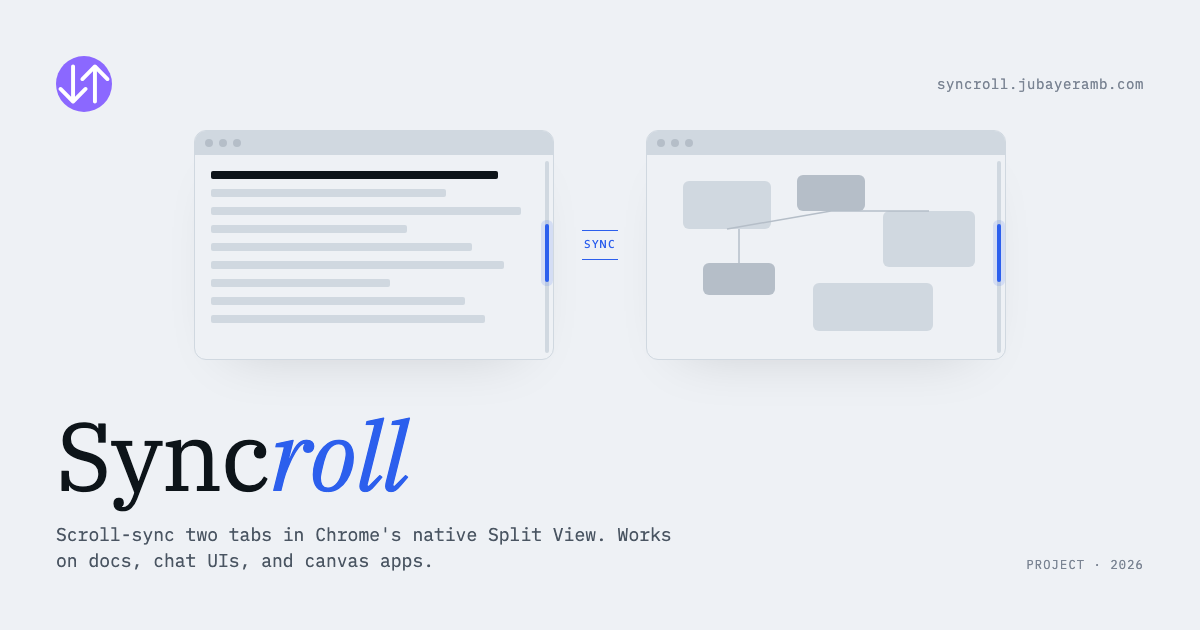
Chrome 145 shipped native Split View: two tabs side by side, one window. A real productivity unlock for cross-referencing docs, comparing API responses, or designing against a spec. Except scrolling. Each pane scrolls in isolation, which kills the use case the moment one document is longer than the other or the two views are different page types entirely.
The use case I wanted: open ChatGPT on the left, my MDX draft on the right, scroll either side, the other follows.
What shipped
A zero-build Chrome extension that handles three kinds of pages:
- Standard pages: synced by scroll percentage, so pages of different lengths stay visually aligned.
- Container-scroll apps like ChatGPT, Gemini, and Slack: auto-detects the inner scrollable element and syncs that.
- Canvas/WebGL apps like Figma, Miro, and Excalidraw: captures wheel events and replays them on the other side.
Cross-mode pairs work cleanly: a normal site on one side and Figma on the other syncs without thinking about it. Landing page is at syncroll.jubayeramb.com.